Nolvune SMS · for Android

A quieter inbox, by your own rules.

Nolvune SMS is a messaging app that sets spam aside using the sender and keyword rules you choose. Every message is checked on your phone. No account, no ads, no analytics.

Coming soonGoogle Play How we handle your data

Android 10 or laterFree, with optional Pro

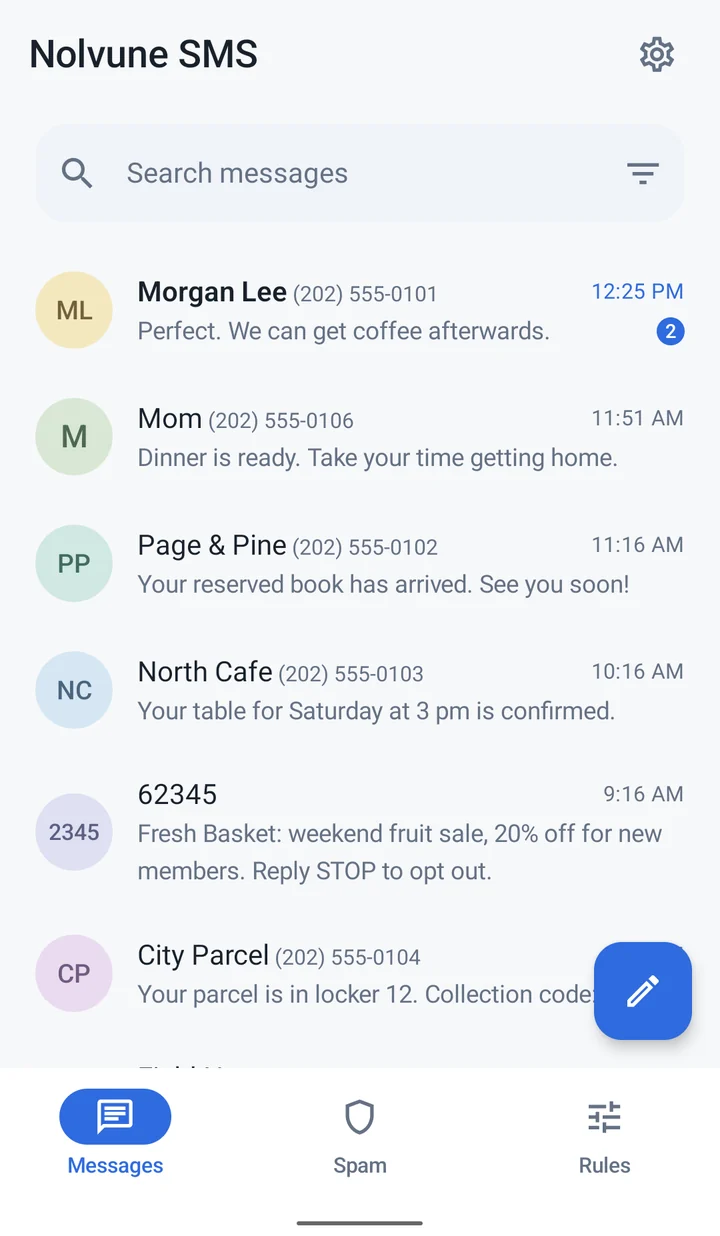
The Nolvune inbox: conversations with Morgan Lee, Mom, a bookshop, a café and a parcel locker, each with a short preview.

What it does

Calm, by design.

Nolvune does the everyday work of a messaging app, then quietly keeps the noise out of your way.

i.

Spam steps aside. It never disappears.

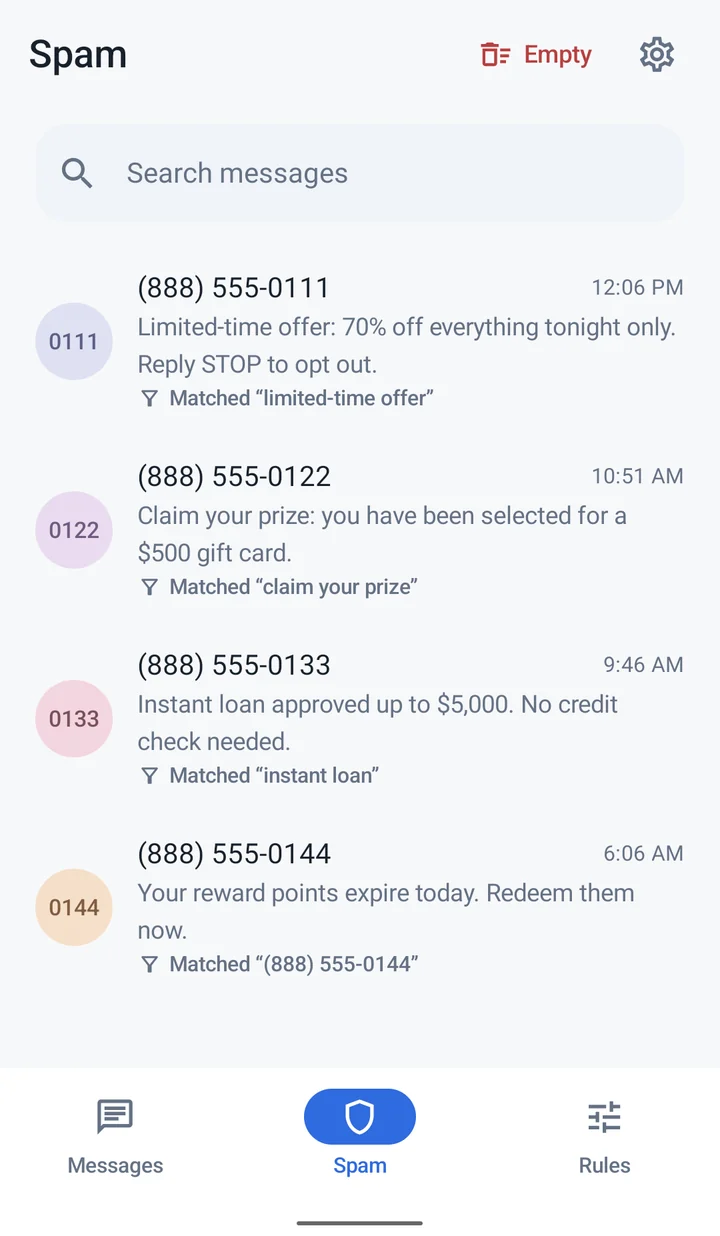
Texts that match a block rule go to their own Spam folder, each labeled with the rule that caught it. Restore anything with a tap, or empty the folder when you are ready.

  • See exactly which rule matched
  • Nothing is deleted without your say
  • Optionally hold back all MMS
The Spam folder: four promotional texts, each marked with the keyword or sender rule it matched.
ii.

Rules, right where you read.

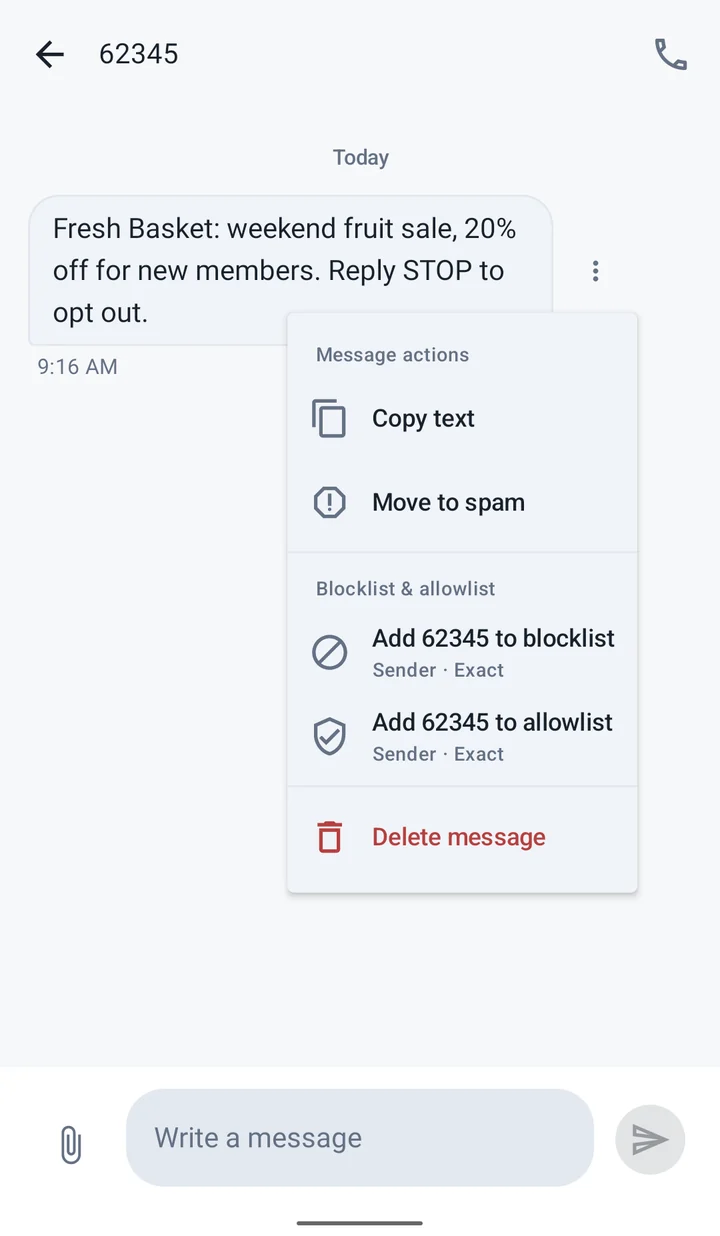
Block or allow a sender straight from a message, or add sender and keyword rules in the Rules tab. Allow rules always come first, so the people you trust are never filtered.

  • Sender and keyword blocklists
  • Allowlists that always win
  • Pause a rule without deleting it
A message menu with options to copy, move to spam, and add the sender to the blocklist or allowlist.
iii.

Everything else a messaging app should do.

Nolvune is a complete SMS and MMS app, designed to stay out of the way.

  • SMS and MMS with photos and group replies
  • Drafts that save as you type
  • Reply, mark as read or delete from a notification
  • Search your entire history, in light or dark
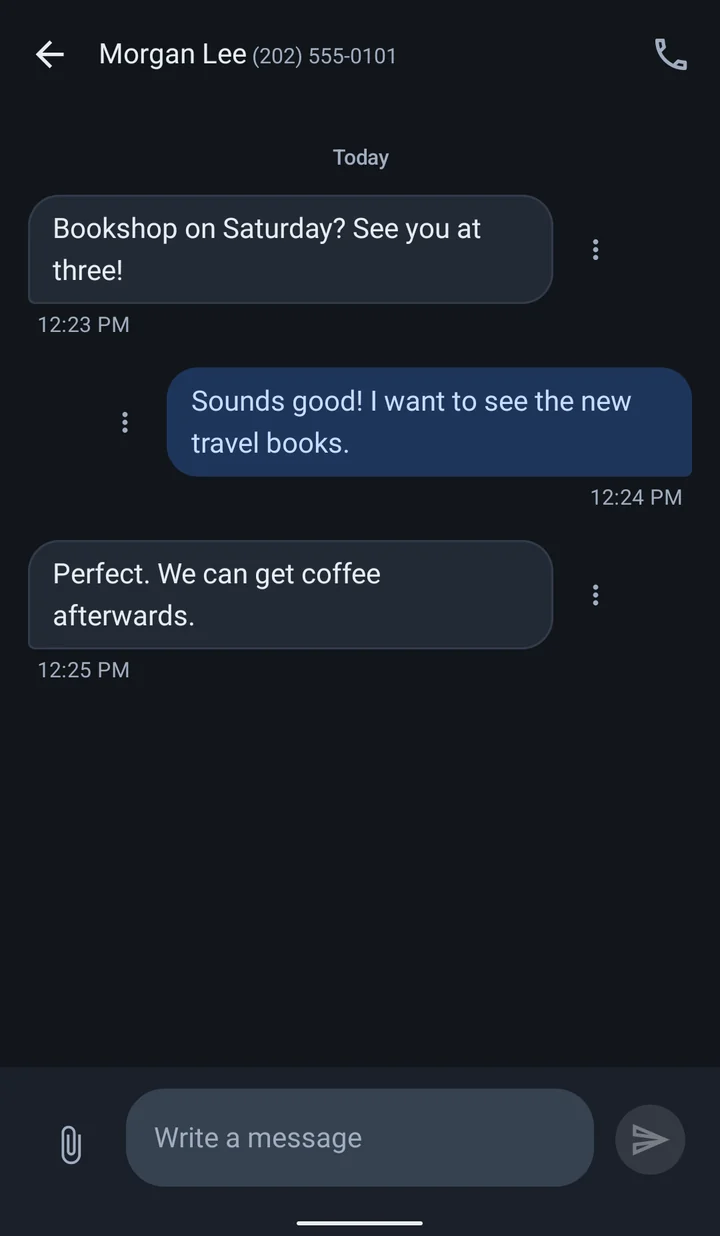
A conversation with Morgan Lee in the dark theme, planning a visit to a bookshop.

Privacy

Your messages never reach a Nolvune server.

There isn’t one. Rules are checked on your phone as each message arrives, and what you back up goes only where you choose.

No account
Nothing to sign up for. Make Nolvune your messaging app and you are done.
No ads, no tracking
No advertising, analytics or crash-reporting SDKs. We don’t sell data.
Encrypted backups
Message archives are encrypted on your phone with your password before they are saved or uploaded.
Payments by Google
Google Play handles purchases. Your card details never reach us.
Read the privacy policy

Free & Pro

Everything essential is free.

Messaging, search, allowlists, local backups and every restore cost nothing. Pro is there when you want more block rules or backups to your own Google Drive.

Free

US$0

Free for as long as you use it.

  • Full SMS and MMS messaging
  • Unlimited allow rules
  • Up to 10 active block rules
  • Local backups of messages and rules
  • Every restore option, including Google Drive

Nolvune Pro PRO

Monthly

US$1.99/ month

Renews each month.
Cancel anytime.

Lifetime

US$29.99

Pay once.
No subscription.

  • Unlimited active block rules
  • Back up directly to your Google Drive
  • The same features on either plan
  • Everything in Free

US base prices. Google Play shows your local price and any taxes before you confirm. The monthly plan renews automatically until you cancel it in Google Play. If Pro ends, nothing is deleted: block rules beyond the first 10 simply pause. See the terms of use.

Questions

Good to know.

Why does Nolvune need to be my default SMS app?

Android only lets the default messaging app receive, store and file text messages. That is what allows Nolvune to check each message against your rules as it arrives. You can switch back to another app at any time in Android settings; your messages stay in Android’s message store.

Could an important message end up in Spam?

Only if it matches one of your block rules. Each filtered message shows which rule caught it, and you can restore it with a tap. Allow rules always take priority, so add the senders you never want filtered.

Does Nolvune support RCS chat?

No. Nolvune handles SMS and MMS. Features such as typing indicators and RCS group chats are not available while Nolvune is your messaging app.

What happens if my Pro subscription ends?

Your messages and rules stay exactly where they are. All allow rules and your first 10 active block rules keep working; any extra block rules pause until Pro is active again. Existing Drive backups are not deleted.

How do I move to a new phone?

Back up your messages and rules from Settings, to a file or, with Pro, to your Google Drive. On the new phone, install Nolvune and restore. Restoring is always free. Pro comes back when you sign in with the same Google Play account.

Moonlight settles on the windowsill like a feather. It touches, and makes no sound.

Nolvune · /ˈnɒl.vuːn/ · rhymes with moon